

From interactive games that get children moving to a prototype designed to simplify staff scheduling, preschools are exploring where technology can add real value. The preschool's approach offers a useful reminder: start with the need, then choose the tool.
LEARNING THAT GETS CHILDREN MOVING
How can preschools make numeracy activities memorable and fun? At M.Y World @ Rivervale Shores, Nursery 1 children learn about numbers through interactive floor projection.
Children gather around a large projection on the floor. In virtual bowling, they knock down pins and count them. In another game, virtual eggs roll across the floor. Children step on the eggs and count how many they have “cracked”.
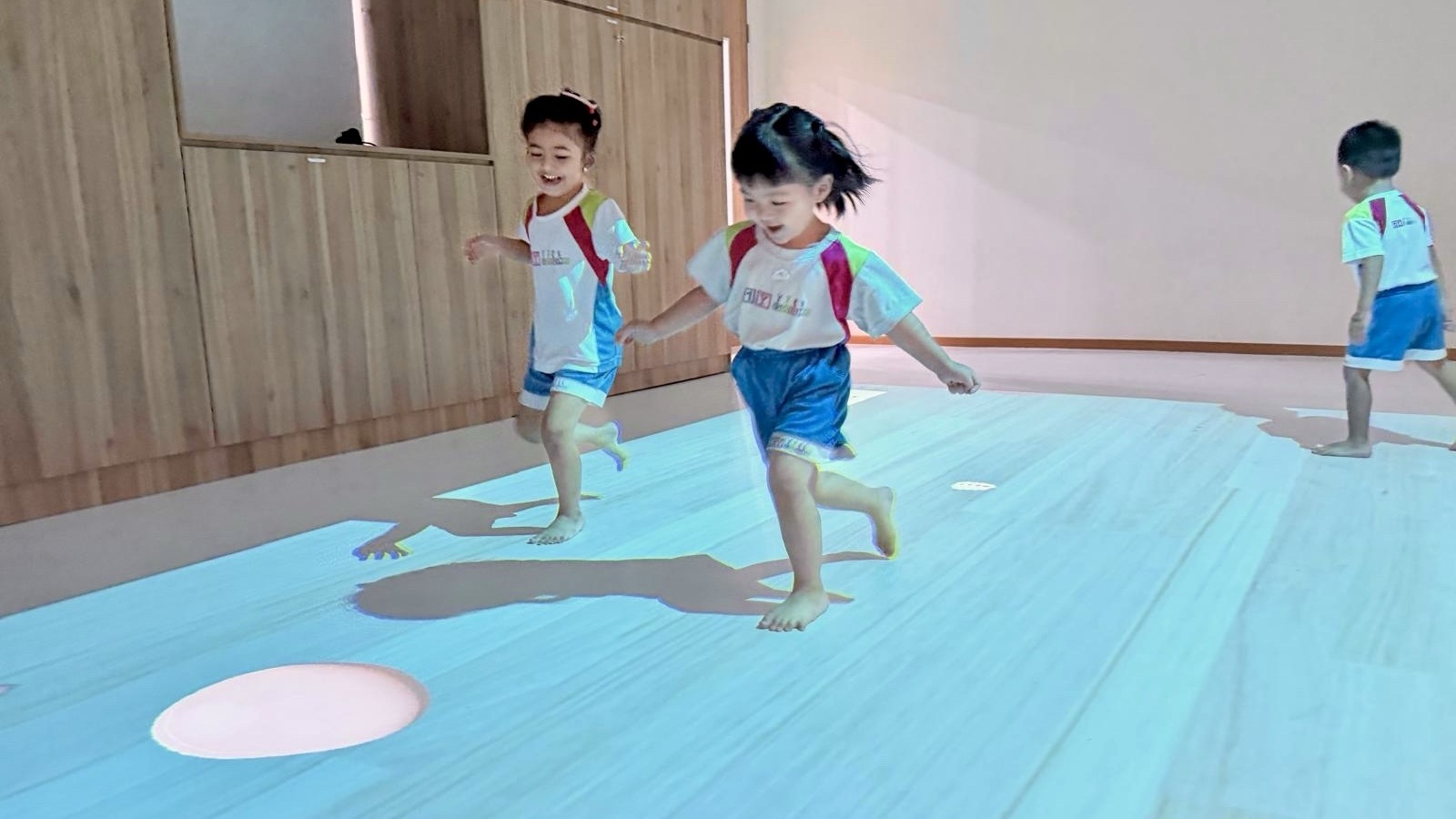 Children build gross motor skills as they move across the interactive floor projection, while strengthening early numeracy by counting the eggs they “crack” along the way.
“The games reinforce early numeracy concepts, explore cause and effect, and help children build social-emotional skills as they practice taking turns to play,” said senior educator Ms Diong Mei Yih. “What stands out is how engaged the children are — even those who are not playing keep count and cheer their friends on. Older children also learn to persevere when they make multiple attempts during game play.”
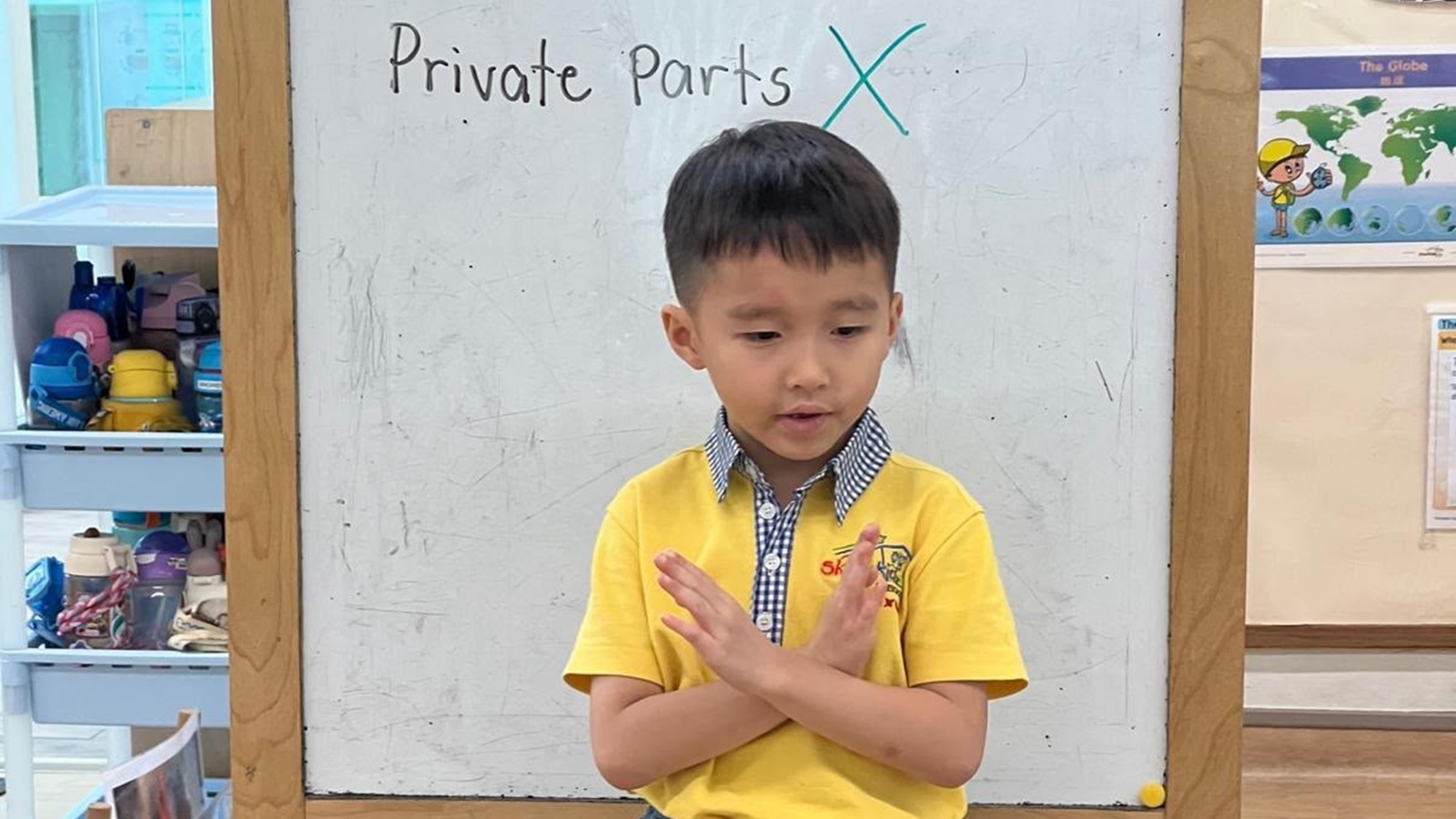
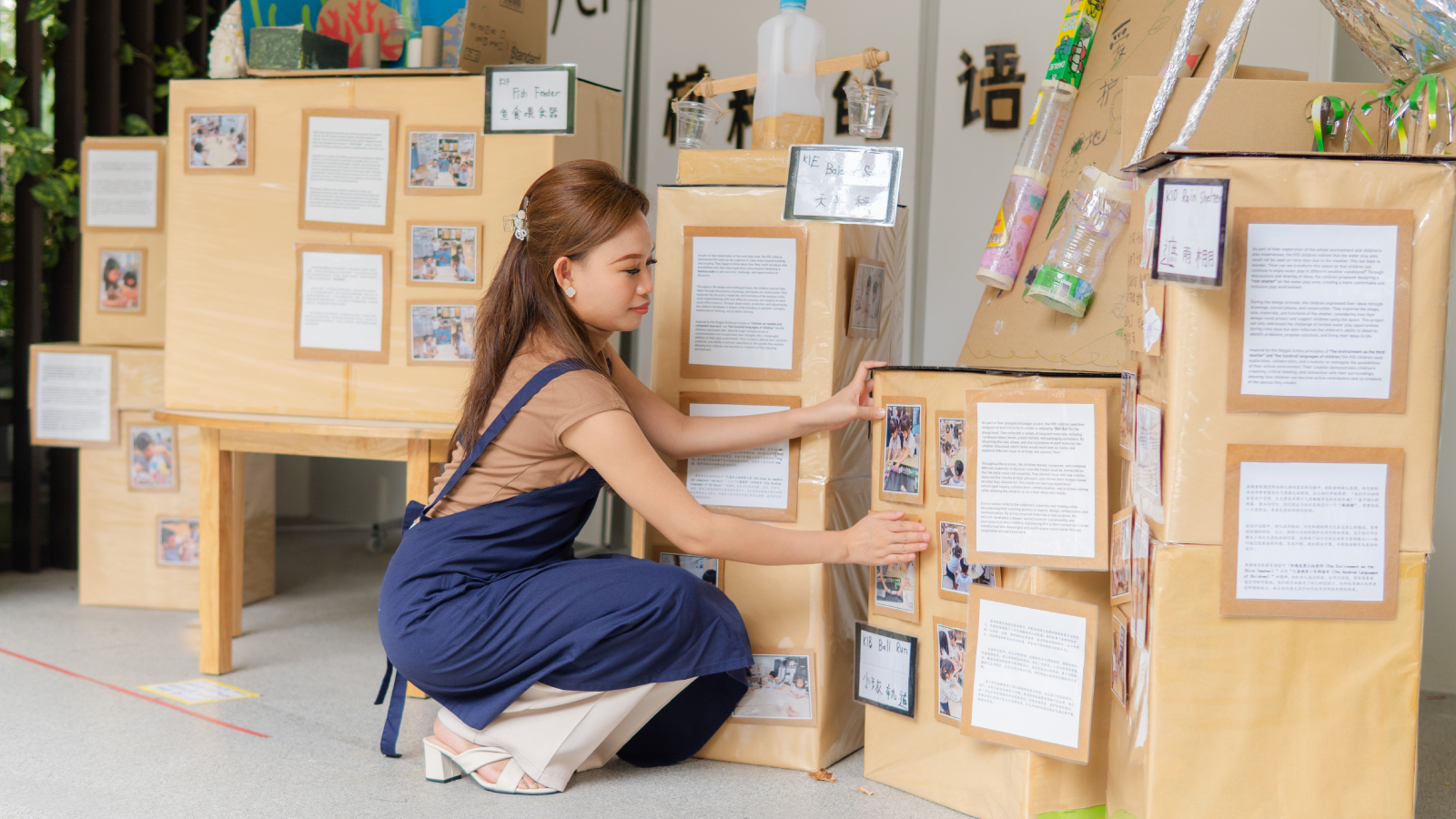
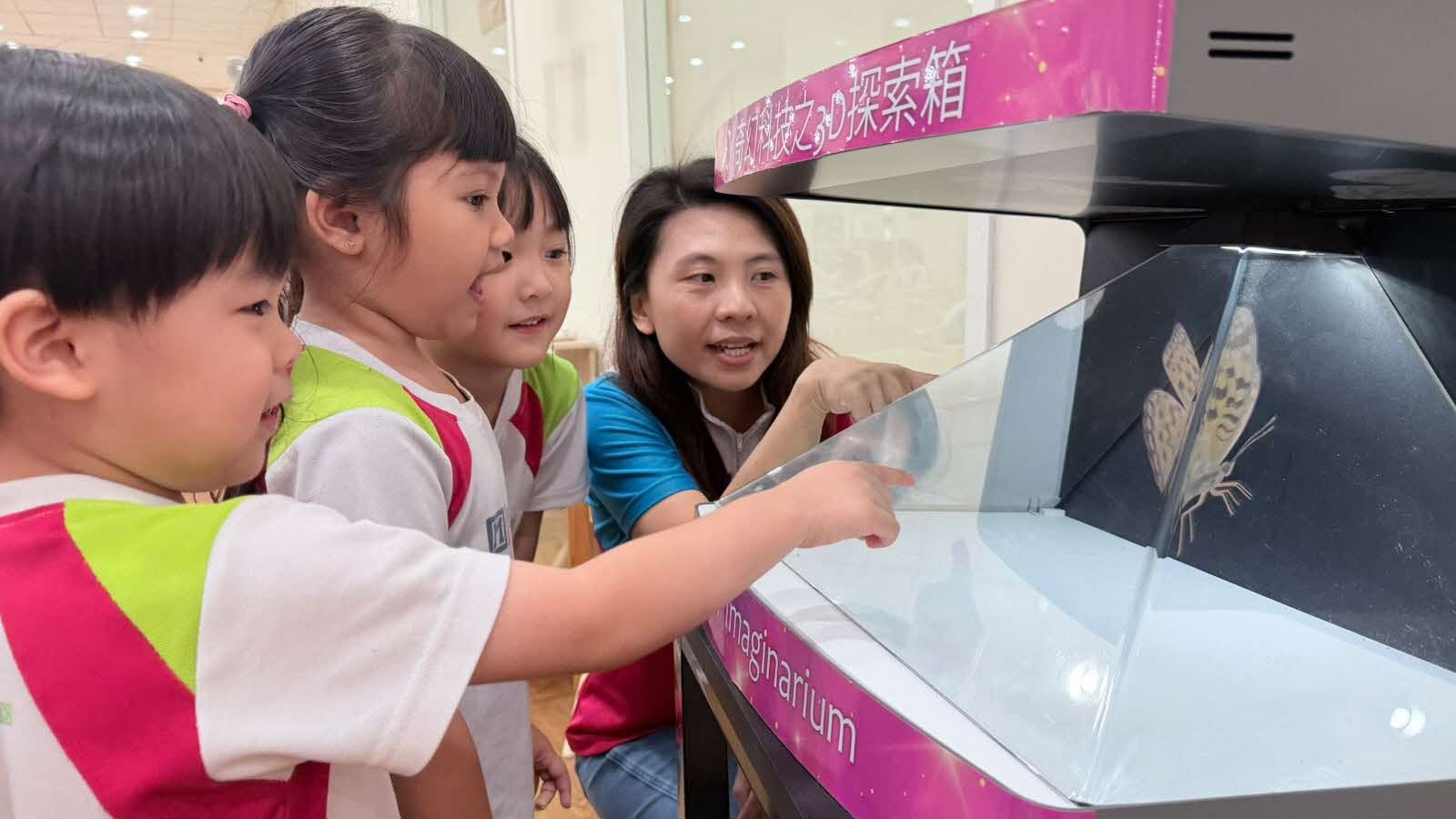
The preschool also uses a Talking Pen for the children to express themselves and for documentation. Children can record short soundbites and share what they have discovered. They can also tap the pen on customised stickers to learn more about an object or topic. The tool supports language learning and independent exploration, giving children another way to express and share their thinking.
START WITH THE LEARNING GOAL
For Ms Diong, technology can strengthen teaching when it is used with care. She uses AI tools to generate ideas and explore different approaches. But educators do not adopt AI suggestions wholesale. They use professional judgement to check that each idea suits the class and meets the learning objectives.
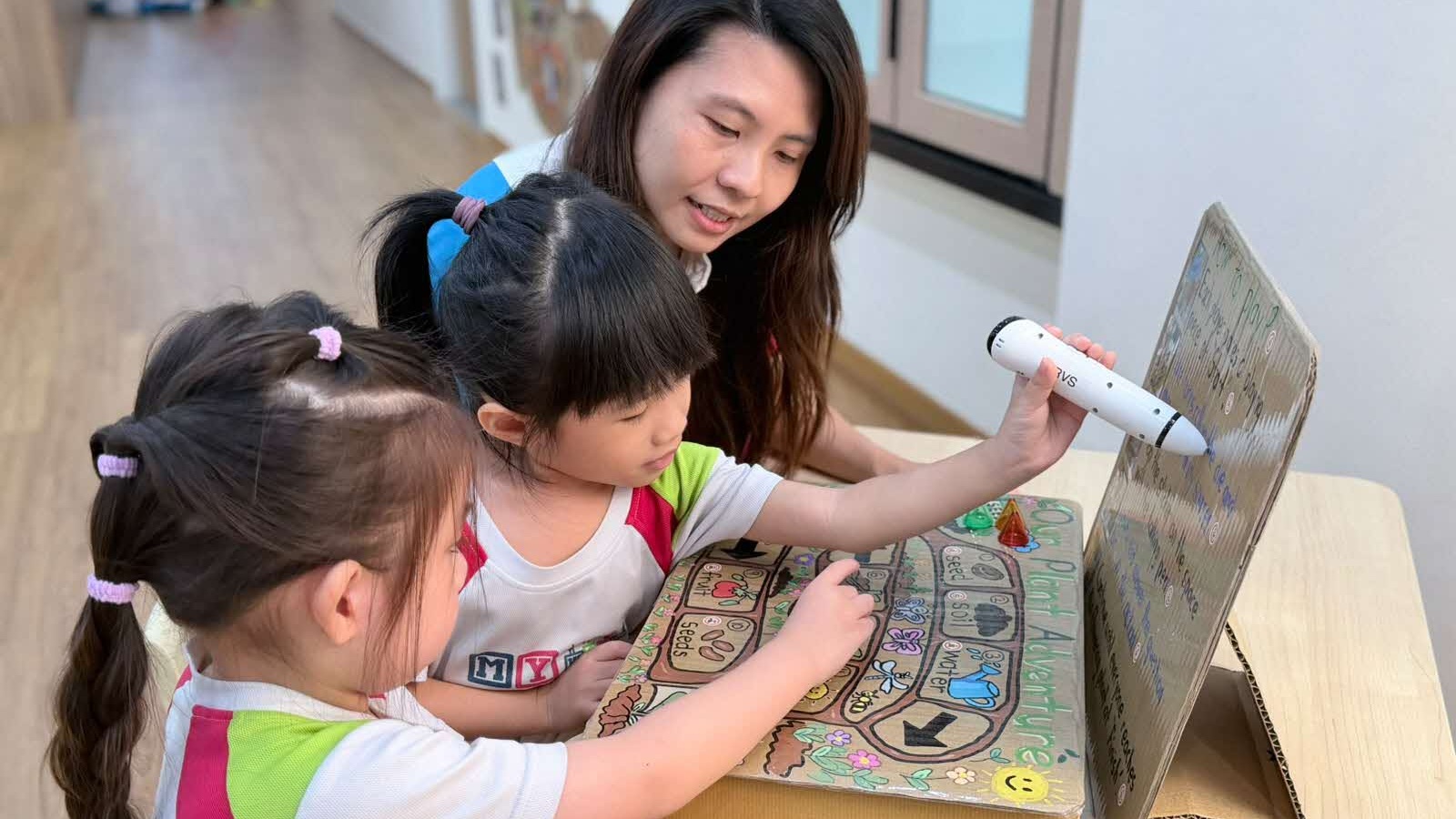 The Talking Pen supports language development and independent exploration, as children verbally record their ideas and discover more about objects and topics.
The same principle guides the use of classroom tools. Sometimes, an interactive floor projection supports the learning goal. At other times, physical materials are better, such as when children create artwork or conduct hands-on investigations.
Educators also consider the children’s age, interests, developmental needs, and different ways of participating and learning.
TECHNOLOGY CANNOT REPLACE THE EDUCATOR
At M.Y World, technology does not take the place of educators’ observation, responsiveness and professional judgement. Educators decide when technology supports the learning goal and when hands-on materials work better. They observe how children respond and adapt the experience accordingly.
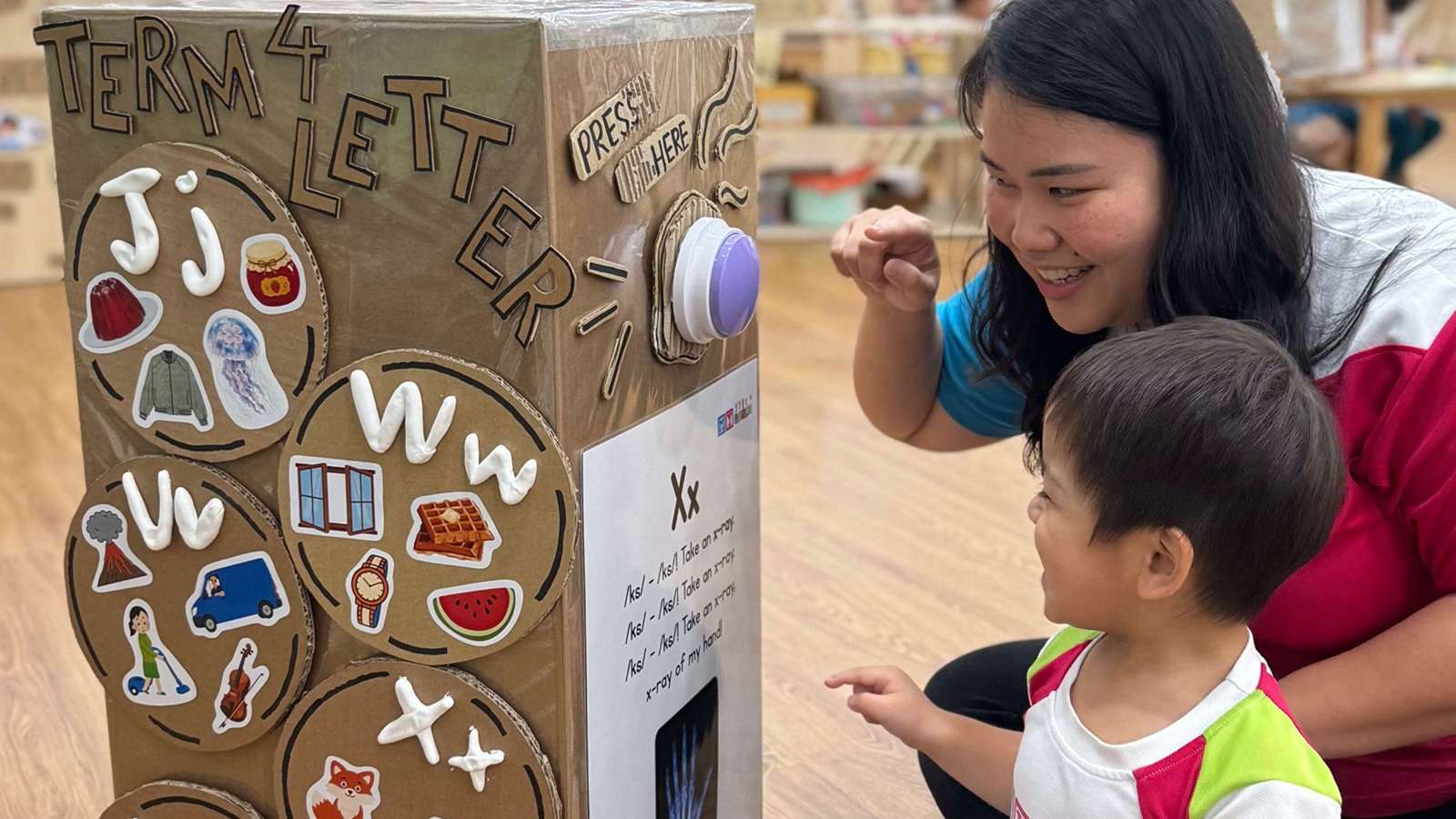 The Talking Button supports language and communication skills, giving children a simple way to record, revisit and share their recorded ideas with their peers and visiting parents.
“In early childhood, play, social interaction, movement and hands-on exploration remain fundamental,” said Ms Geraldine Hii, Deputy Programme Chair, ExCEL, National Institute of Early Childhood Development. Technology can be a tool to provide additional opportunities for children to think, communicate, create and investigate, rather than displace these experiences.
A PROTOTYPE TO TACKLE A COMPLEX ROSTER
Technology may also help with work behind the scenes. Ms Diong works with the centre leader to monitor staffing needs and maintain classroom continuity when unexpected situations arise. These administrative tasks can take time and mental energy.
M.Y World is currently exploring an AI-enabled Rostering Tool. The tool is still in its prototype phase and is intended to help centre leaders make more effective use of their time beyond creating and adjusting rosters manually in spreadsheets and documents.
Rostering is complex because it must account for:
- regulatory staffing requirements;
- the needs of individual children;
- educators’ qualifications and training schedules; and
- non-contact time for lesson preparation, documentation, parent communication and collaboration with colleagues.
M.Y World is exploring whether AI could process this information more efficiently, generate scheduling options, and flag possible gaps or conflicts. The tool is meant to support existing decision-making, not replace it.
WHAT THE PROTOTYPE NEEDS TO GET RIGHT
If the prototype is developed and rolled out, M.Y World hopes it can give centre leaders more time to support educators, children and families. A well-designed system could also provide educators with greater consistency and visibility in scheduling, including the allocation of non-contact time, While supporting continuity in the relationships and care that children experience.
Dr John Fong, Chief Education Officer, M.Y World Preschool, said the tool’s recommendations must be practical, transparent and suited to preschool operations. Educators and leaders also need confidence that scheduling decisions are fair, responsive and sensible in context.
As Dr Fong put it: “Technology should serve as an enabler rather than an end in itself.”
Ms Hii added that when technology supports educators’ administrative and teaching work, it can reduce their cognitive load. This can free up time for observing children, understanding their needs, engaging in meaningful interactions and planning purposeful learning experiences.